
HVAC SERVICE REPORTING
HVAC Service Report Template: Free Example and Handover Checklist
A useful HVAC service report makes it clear which equipment was visited, what the technician found, what work was completed, and what remains open. It also records checks and readings in enough context for another technician or a site manager to understand them.
This page includes a copy-ready HVAC service report template, a completed two-unit example, a sample measurement record, and a handover checklist. Adapt it to your equipment, company process, and applicable requirements.
At a glance: keep the unit tag attached to each finding, task, reading, photograph, and follow-up action. If one unit was not accessed, do not let another unit’s completed status imply it was.
Free HVAC service report template
Copy the block or use the printable version. Keep each equipment tag consistent across the work notes, readings, photos, and follow-up. Enter “not checked” or a short reason when a field does not apply.
HVAC SERVICE REPORT

VISIT AND CUSTOMER
Report reference:
Work order:
Customer / site:
Exact location:
Technician:
Visit date:
Arrival time:
Departure time:
Visit type: [Preventive / Corrective / Inspection / Other]

SCOPE AND EQUIPMENT
Requested work:
Equipment tag:
Equipment description:
Make / model:
Serial number: [or “not recorded”]
Access or inspection limits:

FINDINGS AND WORK
Condition found:
Tasks completed:
Tasks not completed:
Reason / open issue:
Parts or materials:
Quantity and unit:

CHECKS AND READINGS
Check performed:
Equipment tag and measurement point:
Reading and unit:
Instrument / method:
Operating conditions:
Acceptance reference:
Result / limitation:

PHOTOS AND RECORDS
Before photo IDs and captions:
During photo IDs and captions:
After photo IDs and captions:
Linked work order / service record:

STATUS AND HANDOVER
Visit status: [Completed / Partially completed / Follow-up required / Not completed]
Equipment status:
Next action:
Action owner:
Target date:
Client or site contact:
Acknowledgment wording:
Signature / acknowledgment:
Report delivered to:
Delivery date:

REVIEW
Prepared by:
Prepared date:
Reviewed by:
Reviewed date:
This is a documentation aid. It does not replace manufacturer instructions, site procedures, or licensing and certification requirements for regulated work.

What to include in an HVAC service report
Start with the visit reference and exact site location. Then identify the equipment by tag and, where available, description, make, model, and serial number. Record the requested scope before listing findings or work so a reader can distinguish the original request from anything discovered on site.
- Visit identity: report and work-order references, customer, site, technician, date, arrival and departure, and visit type.
- Equipment and scope: equipment tag, description, requested work, access limits, and any agreed scope change.
- Findings and work: observable condition, task performed, parts or materials, incomplete tasks, and why they remain open.
- Checks and readings: method, value and unit, equipment tag and measurement point, instrument, operating conditions, and acceptance reference.
- Handover: visit status, equipment status, next action, owner, target date, recipient, and what an acknowledgment means.
Keep visit status separate from equipment status. “Visit completed” can describe the technician’s time on site even when an asset still needs a follow-up. State the condition of each unit separately.
Use observations before conclusions
Describe what was observed and what was actually done. “Filter replaced on AHU-01; operation not assessed” is more precise than “system serviced and working” when no operational check was performed. If the cause of a fault was not established, identify the symptom and mark the cause as undetermined.
How to record HVAC readings clearly
A number without context can be misleading. Record the equipment tag, measurement point, value and unit, instrument or method, operating conditions, and the acceptance reference used. If a required reference is unavailable, record the reading without calling it normal, acceptable, or proof of overall performance.
| Equipment / point | Recorded result | Context |
|---|---|---|
| AHU-01 · return-air inlet | 74.2°F (23.4°C) | Digital thermometer; cooling mode noted; comparison reference: site procedure. Illustrative example only. |
This sample shows a documentation format, not a target or recommended range. Use the applicable manufacturer, commissioning, contract, or site procedure for the equipment being serviced.
Completed HVAC service report example
Illustrative example only. The site, people, equipment references, and visit details below are fictional.
| Report / work order | HVAC-2603-014 / WO-2603-77 |
|---|---|
| Customer / site | Example Property Group · North Building mechanical room |
| Technician / date | J. Rivera · March 12, 2026 |
| Requested scope | Replace filters on AHU-01 and inspect AHU-02 as listed on the work order. |
| AHU-01 findings | Filter visibly loaded at the recorded inspection. Filter replaced. Filter size and quantity entered on the linked work order. |
| AHU-01 check / limit | Return-air reading recorded as 74.2°F (23.4°C) at the inlet using a digital thermometer with the unit noted in cooling mode. No airflow or pressure readings were taken. Overall system performance was not verified. |
| AHU-01 status | Visit task completed. Filter replacement recorded; no performance check performed. |
| AHU-02 findings | Not accessed: mechanical-room key was unavailable during this visit. No inspection or service was performed on this unit. |
| AHU-02 status / next action | Follow-up required. Site manager to arrange access; service coordinator to schedule a return visit by March 26, 2026. |
| Handover | Report sent to the site manager. Acknowledgment records receipt and review of the visit report; it does not certify unperformed checks. |
The two equipment records have different outcomes. AHU-01’s completed task does not close AHU-02’s unperformed inspection. Keep the remaining task visible, assign an owner, and give a date or say when it will be agreed.
Use photos to support the service record
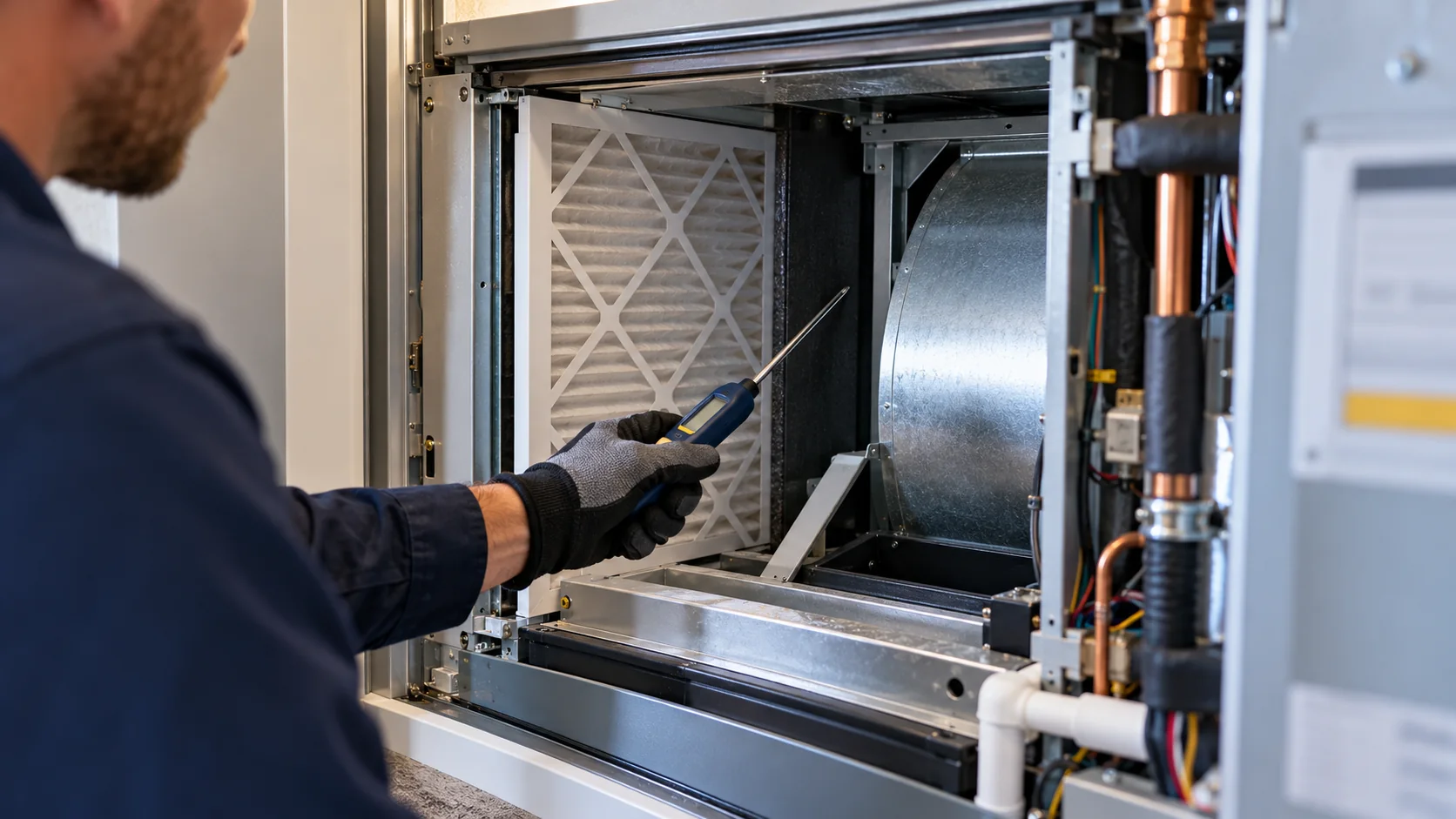
Photographs help a reader locate the equipment and understand a visible condition. Start with an identification view that shows the equipment tag or its location, then capture a useful detail view. Add a short caption with the unit tag, component, view, and what the image shows.
For example: “AHU-01 · filter section · before replacement · loaded filter visible.” Keep photo references in the report so the image and written task stay connected. For a fuller workflow, see the before-and-after photo report guide.
A photo documents what is visible from that angle. It does not replace a measurement, confirm an unseen condition, or show that a task outside the frame was completed.
HVAC technician handover checklist
- Confirm each unit tag, location, and work-order reference.
- Separate work completed from work not performed, and state why.
- Pair every reading with its point, unit, method, conditions, and reference.
- Record access restrictions, inspection limits, and any required return visit.
- Assign every open action to an owner with a target date or scheduling step.
- Label each photo with the equipment and component it shows.
- State who receives the report and what any acknowledgment confirms.
- Check that the report does not imply safety, compliance, or performance checks that were not completed.
Adapting the template to residential HVAC visits
For a residential split system, replace the air-handler fields with the indoor and outdoor unit identifiers, the room or exterior location, and the customer’s reported concern. For a preventive visit, record the scheduled tasks and each completed check. For a fault visit, separate the reported symptom, observations, tests performed, results, and the next action. Leave unavailable model or serial details marked as not recorded rather than guessing.
The form records the visit. Follow the equipment manufacturer’s instructions, site procedures, and applicable licensing or certification requirements for regulated work.
Frequently asked questions
What should an HVAC service report include?
Identify the customer, site, technician, visit, equipment, and requested scope. Record findings, work performed, checks and readings with units and conditions, limitations, open actions, status, photos, and handover.
Should I record a reading if I do not know whether it is within range?
Record the value, unit, location, instrument or method, operating conditions, and applicable acceptance reference. Do not label it normal or acceptable without the correct procedure or specification.
How do I report equipment I could not access?
List its equipment tag, state that it was not accessed, explain why, and assign a next action, owner, and target date when known. Keep its status separate from other equipment.
Is an HVAC service report the same as an invoice?
No. The report records the visit, findings, work, checks, and open actions. An invoice requests payment. A business may link them, but they serve different purposes.
Does a signed report prove that equipment is safe or compliant?
A signature only confirms the meaning stated beside it, such as receipt or review. It does not establish that unperformed checks occurred or replace applicable technical, regulatory, or site requirements.
FROM FIELD NOTES TO CLIENT RECORD
Make the visit easier to document and hand over.
Fieldnox for Android supports job details, before/during/after photos, work and materials, signatures, and PDF reporting. Explore the current product and see whether it fits your reporting workflow.
Explore Fieldnox