
Service reporting
Field Service Report Template: Free Example and Checklist
A field service report is the record a technician leaves after a visit: what was requested, what was found, what was done and what is still open. Below is a free template you can copy now, a completed example, and six checks to run before you hand the report over.
Free field service report template (copy and paste)
Copy the template below or download the same fields. No signup required.
FIELD SERVICE REPORT
Report ID:
Work order:
Customer / site:
Asset or work area:
Technician:
Visit date / time zone:
Arrival / departure:
Billable time (if different):
Requested work:
Scope change / authorized by:
Observed condition:
Inspection limits (what was not checked):
Work performed:
Materials: description | quantity | unit | reference | installed or delivered only
Checks performed and results:
Photo references: stage | location | caption
Status: complete / partial / follow-up required
Excluded or remaining work:
Follow-up owner and target date:
Customer acknowledgment: name | date
Acknowledgment confirms: visit took place / work reviewed / work accepted
If acknowledgment not obtained, reason and handoff route:
Prepared by / date:
Reviewed by / date:
Documentation aid: adapt to the job and your organization’s process. This form does not certify technical results, acceptance or compliance.
Field service report example (completed)
Illustrative example only. The job concerns moisture at connection C-14 in a facilities site. The record distinguishes the accessible connection from the concealed pipe section.
FIELD SERVICE REPORT
Report ID: EXAMPLE-014
Work order: WO-014
Customer / site: Example facilities site / west utility room
Asset or work area: Accessible cold-water connection C-14
Technician: Example technician
Visit date / time zone: October 7, 2026 / America/New_York
Arrival / departure: 9:00 a.m. / 9:45 a.m.
Billable time (if different): Not recorded; office confirmation pending.
Requested work: Investigate moisture below connection C-14.
Scope change / authorized by: No scope change recorded.
Observed condition: Visible moisture at C-14 and staining on the cabinet base.
Inspection limits (what was not checked): Concealed pipe section and conditions inside the wall were not inspected.
Work performed: Replaced one connector following site procedures; cleaned the accessible area.
Materials: Connector | 1 | each | not recorded; office follow-up | installed
Checks performed and results: Accessible connection observed for 10 minutes after the work; no visible moisture during that observation.
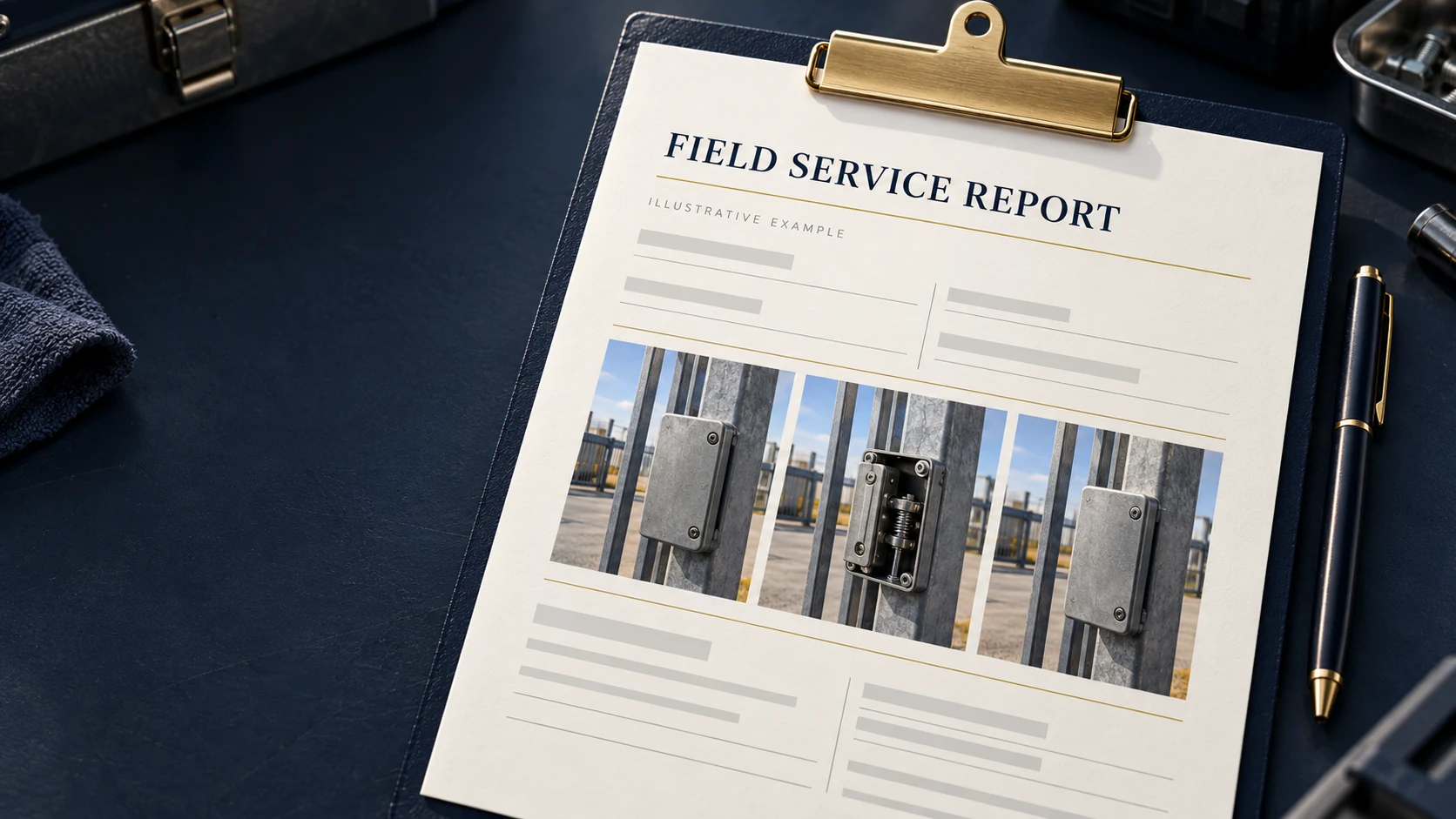
Photo references: Before | C-14, west utility room | visible moisture and cabinet-base staining.
During | C-14, west utility room | accessible connection during the work.
After | C-14, west utility room | final visible condition.
Status: Follow-up required.
Excluded or remaining work: Concealed pipe condition remains unverified. Stained cabinet base requires site review.
Follow-up owner and target date: Example site manager: arrange cabinet-base review by October 9, 2026. Example office coordinator: confirm part reference and billable time by October 8, 2026.
Customer acknowledgment: Not obtained.
Acknowledgment confirms: Not applicable; no customer acknowledgment recorded.
If acknowledgment not obtained, reason and handoff route: Customer unavailable at departure; report emailed to the designated site contact.
Prepared by / date: Example technician / October 7, 2026
Reviewed by / date: Not yet reviewed; office review pending.
The 10-minute observation describes one check. It does not establish the condition of the pipe inside the wall. “Follow-up required” keeps that limitation visible in the outcome.
What to include in a field service report
A work order describes the requested work. A service report records what was observed and actually performed. Record an on-site scope change and who authorized it, so the customer can follow the difference.
- Identity: report ID, work order, technician, customer, site and visit date.
- Scope: requested work, asset or area, and authorized changes.
- Findings: observed condition and what was not checked.
- Actions: work performed, materials and relevant measurements.
- Evidence: photo stages, locations and captions.
- Outcome: checks, status, remaining work, follow-up and acknowledgment.
Use the site’s asset identifier when available. “Connection C-14, west utility room” helps the next technician locate the work more easily than “the connection.”
How to record parts, time and photos
List each material separately and state whether it was installed or delivered only. If you do not have the part number on site, leave the field blank and flag it for the office. A blank is easier to correct than a wrong number.
| Description | Quantity | Unit | Reference | Installed or delivered only |
|---|---|---|---|---|
| Connector | 1 | Each | Not recorded; office follow-up | Installed |
Record arrival and departure separately from billable time when they differ. Add a time zone for teams working across regions. The report can support an invoice; charges follow the agreed commercial process.
Caption photos with stage, location and observation: “After — C-14, west utility room — final visible condition.” A photo cannot by itself establish that an unseen system works correctly. See our before and after photo reporting guide for a consistent sequence.
| Vague | Specific, when supported by the record |
|---|---|
| Fixed the leak. | Replaced connector at C-14. No visible moisture during a 10-minute observation. |
| Everything works. | Accessible connection checked. Concealed pipe section not inspected. |
| Customer happy. | Site manager reviewed the report and signed to confirm that the visit took place. |
The last row illustrates a different handoff situation from the completed example, where acknowledgment was not obtained.
Pre-handover checklist: 6 checks
- Match the report to the correct work order, customer and site.
- Check that the summary agrees with the work details, materials and photos.
- Separate completed work from exclusions and remaining tasks.
- Remove private information and photos unrelated to the job.
- Confirm names, quantities, units, dates and the meaning of any acknowledgment.
- Read the final document, not just the input form.
If the customer is not there to sign, write “customer acknowledgment not obtained” and note how the report was handed over: email, site office or another agreed route. Identify the recipient and assign any remaining action to an owner with a target date.
When a manual template stops being enough
A manual form is a useful starting point. Consider a reporting tool when photos arrive in separate messages, repeated visits produce inconsistent records or the office spends time matching evidence to jobs.
Fieldnox’s web report view supports work summaries, materials, uploaded signatures and evidence grouped into before, during and after stages. Test it with one representative job: can your technician document it clearly, and can your manager find the report afterward?
Features vary by release and setup. Confirm what is available for your team before rollout.
Review your reporting workflow with Fieldnox
Open your reports and compare one job with the structure above. Sign-in required.
Field service report FAQ
What should a field service report include?
Include identity, scope, findings, actions, evidence and outcome. Add inspection limits and a named owner for any follow-up.
What is the difference between a work order and a service report?
A work order describes the requested work. A service report records what was observed and actually performed, including any authorized scope change.
Is a service report the same as an invoice?
No. A service report records the visit and outcome. An invoice requests payment under the agreed terms. Link their references when useful.
Does every report need photos?
Use photos when they clarify visible conditions or work stages. Written findings and measurements remain necessary when a result cannot be shown in a photo.
Who signs a field service report, and what does the signature mean?
The technician identifies who prepared the report; a customer or authorized site representative may acknowledge the visit. State whether acknowledgment confirms that the visit took place, the work was reviewed or the work was accepted. These meanings are different.
What if the customer is not available to sign?
Record that customer acknowledgment was not obtained, explain why and note the handoff route and recipient. Leave the acknowledgment fields unfilled until it is obtained.
How long should service reports be kept?
Use your organization's retention policy and the requirements applicable to the contract and work. If the policy is unclear, ask the person responsible for records before setting a retention period.